QR code flyer templates
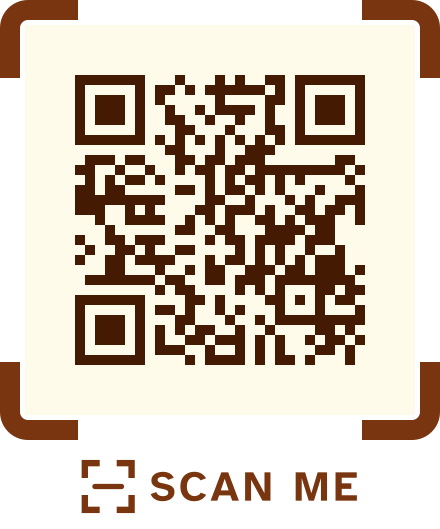
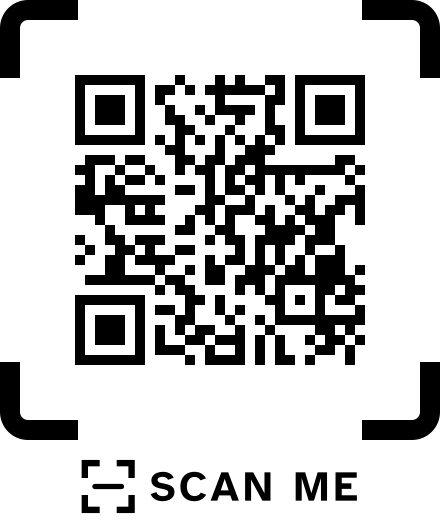
A loud banner style for launches and a clean corner-bracket style for client work, each in nine colour sets.
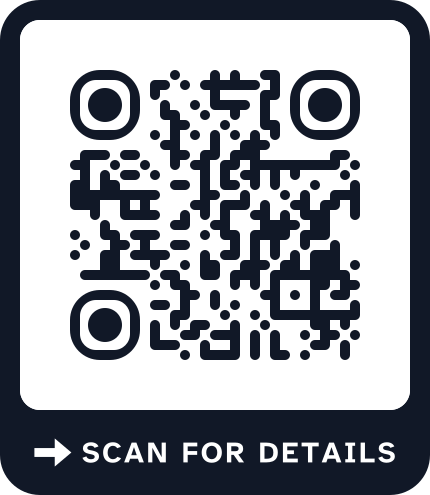
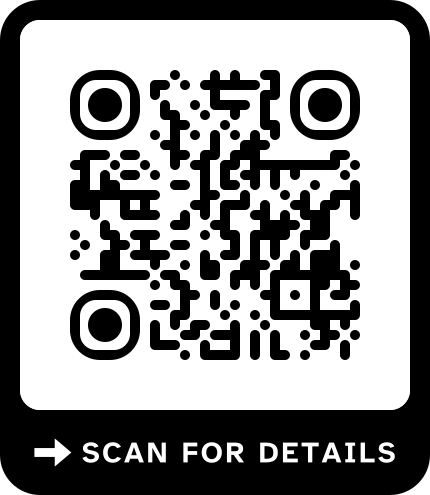
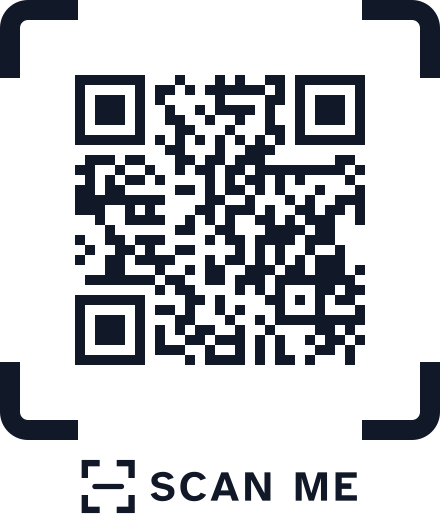
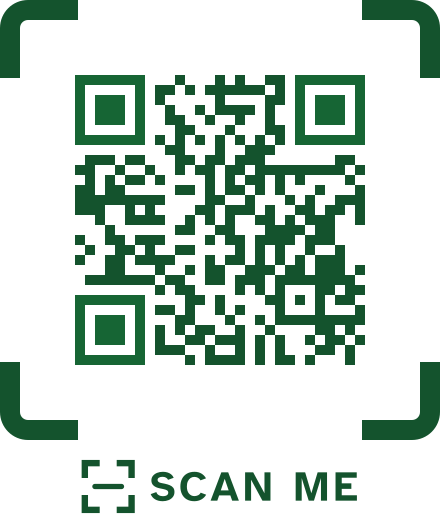
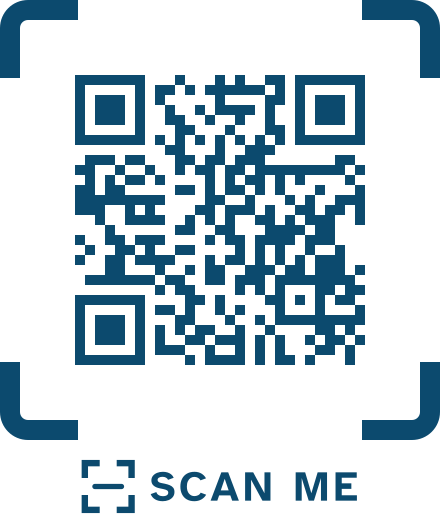
A flyer is read in a few seconds, often while walking, so the code needs a frame that stands out and a reason to scan in a handful of words. The bold banner uses extra-rounded modules and an uppercase line like SCAN FOR DETAILS; the corner brackets frame a calmer code for agencies and professional services. Both are laid out for A5. Make the code in the generator above, and choose editable if you want to count scans or change the page after printing.
Flyer designs
Both styles in every colour set. Open one to see it at A5 with the studio link.
-
Bold banner, ink
-
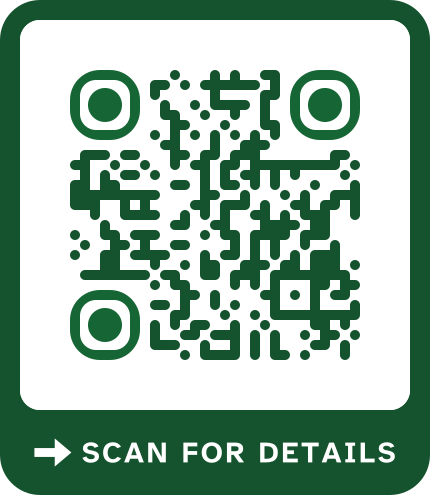
Bold banner, forest green
-
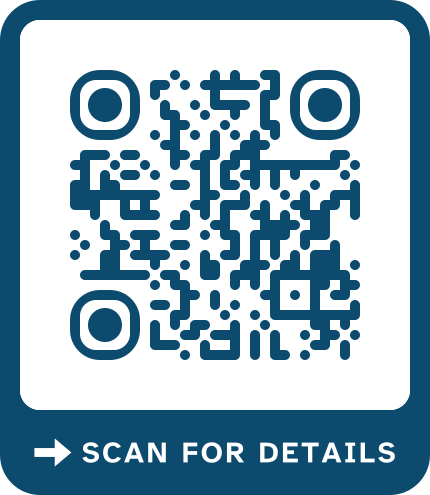
Bold banner, ocean blue
-
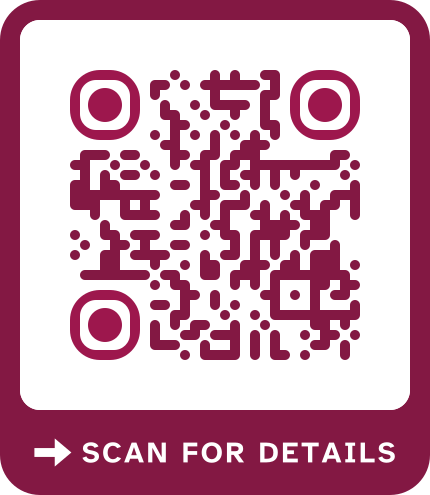
Bold banner, berry
-
Bold banner, ember orange
-
Bold banner, plum
-
Bold banner, dusk blue
-
Bold banner, sand
-
High contrast
Bold banner, high contrast
-
Corner brackets, ink
-
Corner brackets, forest green
-
Corner brackets, ocean blue
-
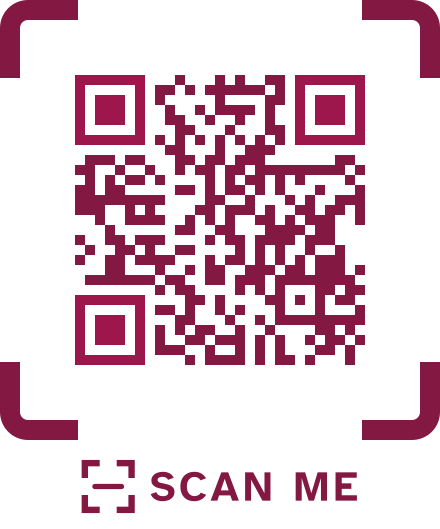
Corner brackets, berry
-
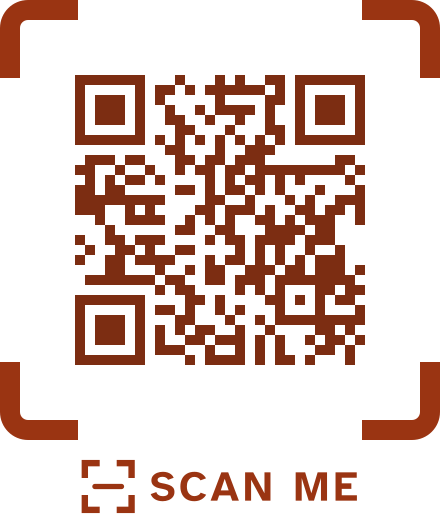
Corner brackets, ember orange
-
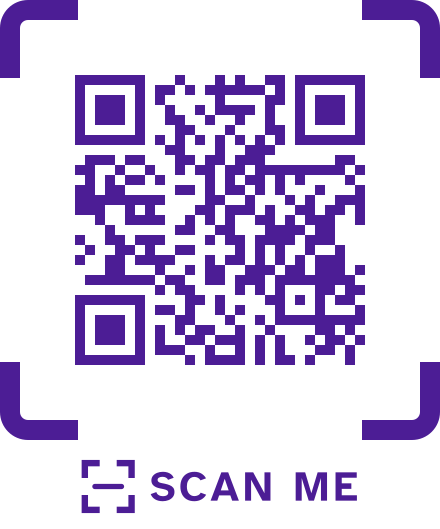
Corner brackets, plum
-
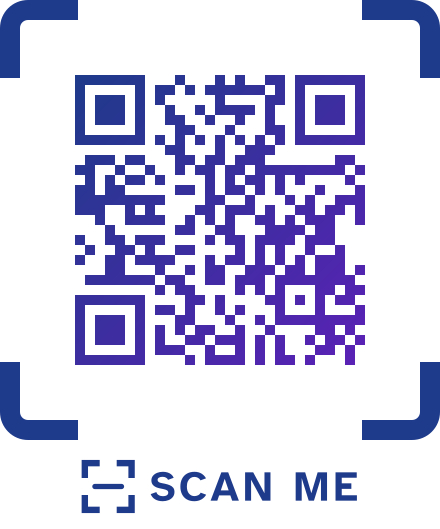
Corner brackets, dusk blue
-
Corner brackets, sand
-
High contrast
Corner brackets, high contrast
-
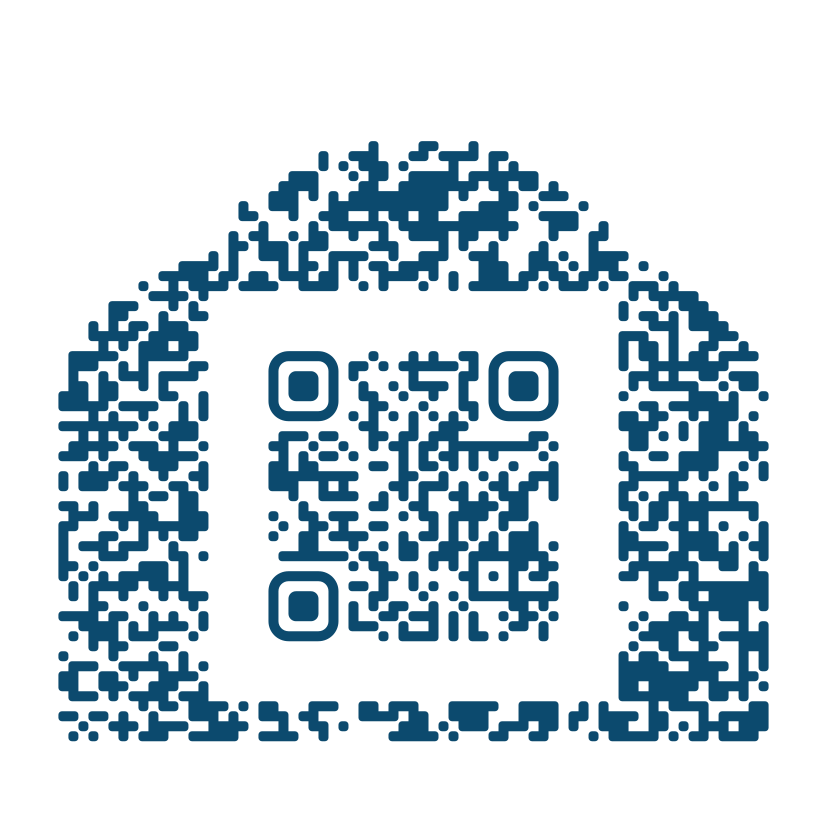
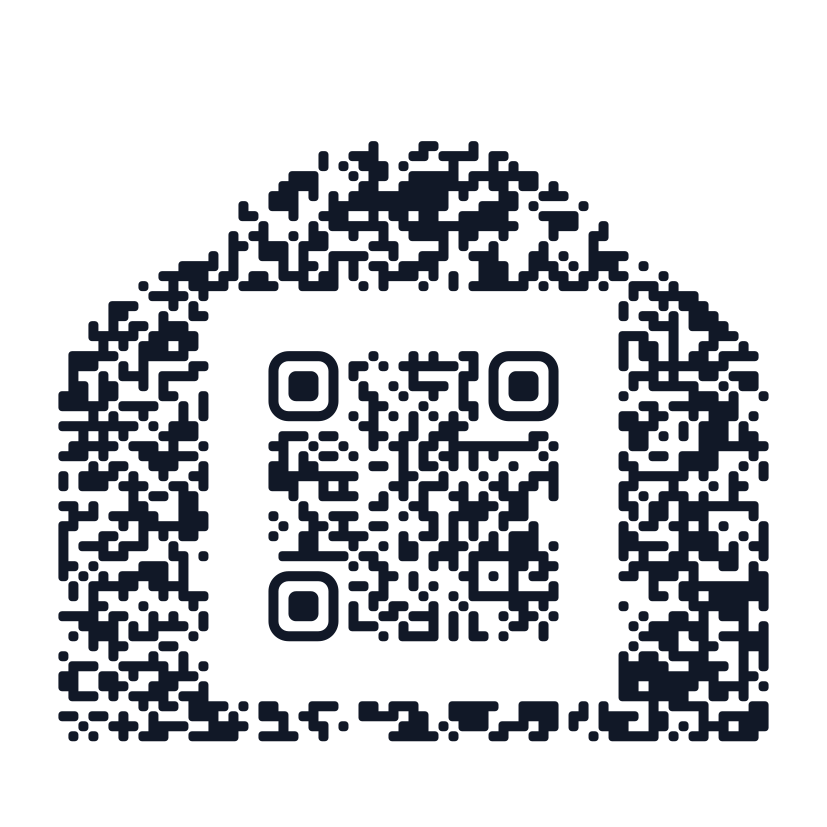
Cloud shape, ocean blue
-
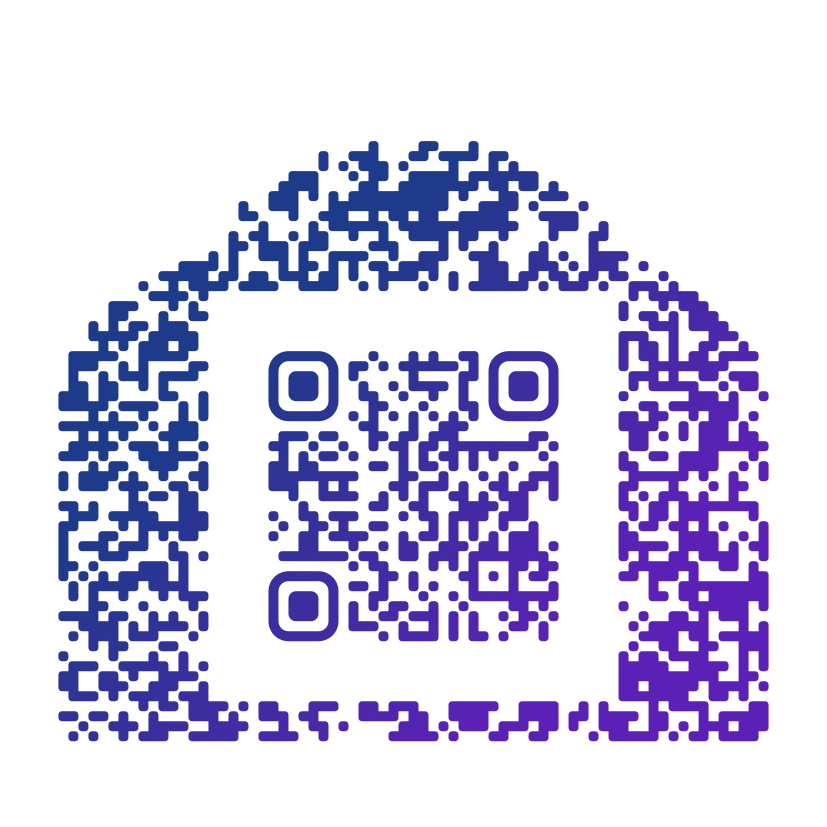
Cloud shape, dusk blue
-
Cloud shape, ink
-
Make the look your own
Start from any design above, then change the colours, shapes and frame in the generator.
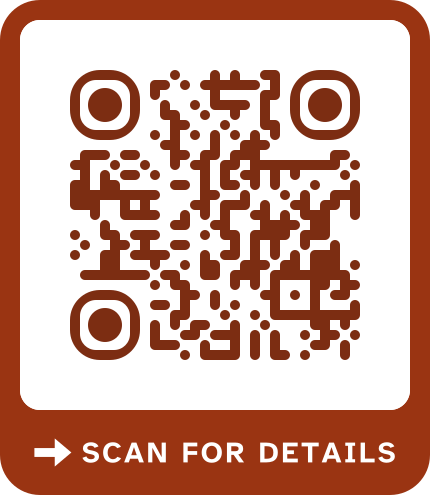
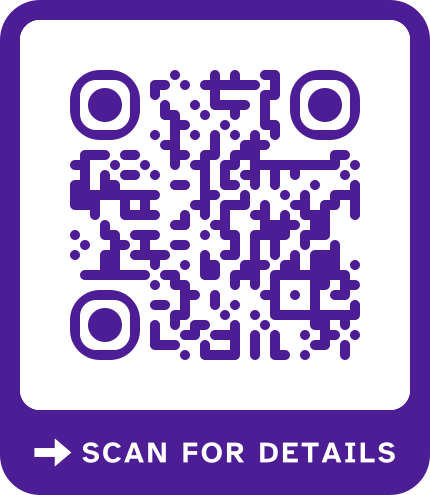
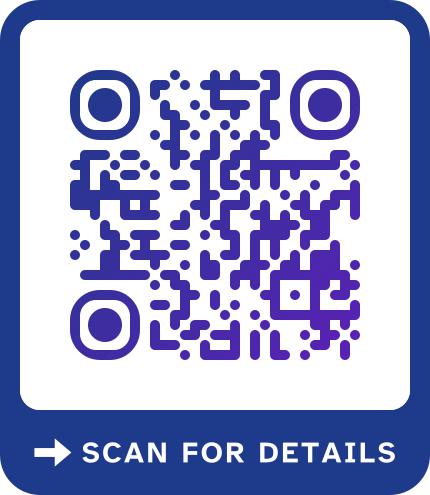
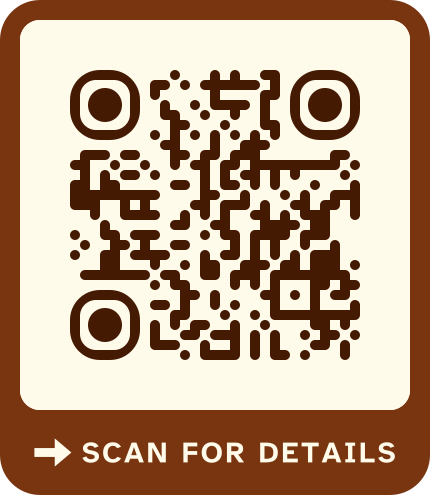
How to make a flyer that gets scanned
-
Give one reason to scan
Book a seat, get the price list, claim the offer. One promise next to the code beats a paragraph of text.
-
Place the code where the eye stops
Bottom right or right under the headline. Keep it out of folds and away from the trim edge.
-
Use editable codes for campaigns
An editable code shows how many people scanned each flyer run, and you can point it somewhere else when the event is over.
-
Print a proof first
Scan a single print at arm's length before ordering a thousand copies.
Flyer print specs
- Size
- A5, 148 by 210 mm. The design also scales to A4 and US Letter without crowding the code.
- Code width
- Held at about 30 cm, a short-link code needs about 4.2 cm; give a longer address more room or use an editable code.
- Paper
- Uncoated or silk paper keeps glare down. Very thin paper can let print from the back show through the code.
Questions
Before you print
- Is it free?
- Fixed codes are free: make as many as you like, download a PNG with no sign-up, and get every other format and print files with a free account. Editable codes come with a plan, a pass, Keep-alive or the 14-day trial.
- Can I change the link after printing?
- Yes, with an editable code. It holds a short link you control, so you can point the printed code somewhere new any time, and the next scan opens the new page. A fixed code keeps the link it was made with.
- Can I use my own domain?
- Yes. A custom domain is included on passes, from Starter, and during the trial. Starter covers one subdomain, for example go.yourbrand.com, and apex domains start on Pro.
- What happens if I stop paying?
- Editable codes work to the end of your paid period, and after a failed payment every code keeps working for 14 days. Turn codes back on within 12 months. Fixed codes keep working as long as their links do.
Where should the QR code go on a flyer?
Near the call to action, usually bottom right, at least 4 cm wide and away from folds. People look there after reading the headline.
Can I track how many people scanned my flyer?
Yes, with an editable code: scans are counted per code, so print a different code for each area or run if you want to compare them.
What happens to a flyer code after the event?
A fixed code keeps opening the same page. An editable code can be pointed at your next event, or turned off when the plan or pass ends.
Is a pass enough for a single campaign?
Often yes. A pass is one payment from $12 for 3 months that never renews, which fits a short flyer campaign.
Can I add my logo to the flyer code?
Yes. Upload it in the generator; the print check makes sure the code still scans with the logo in place.
Related
A flyer worth scanning
Paste your link, choose a frame and download it ready for print.